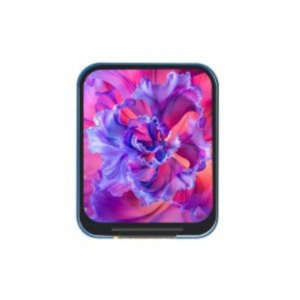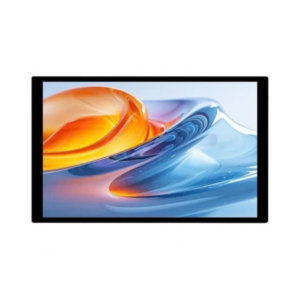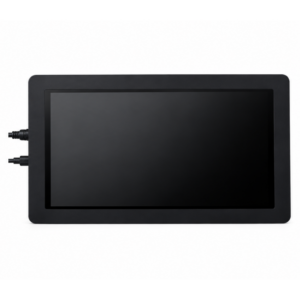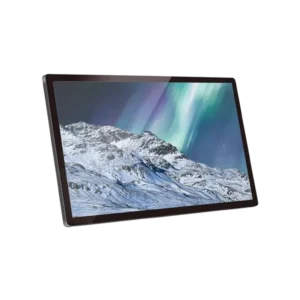
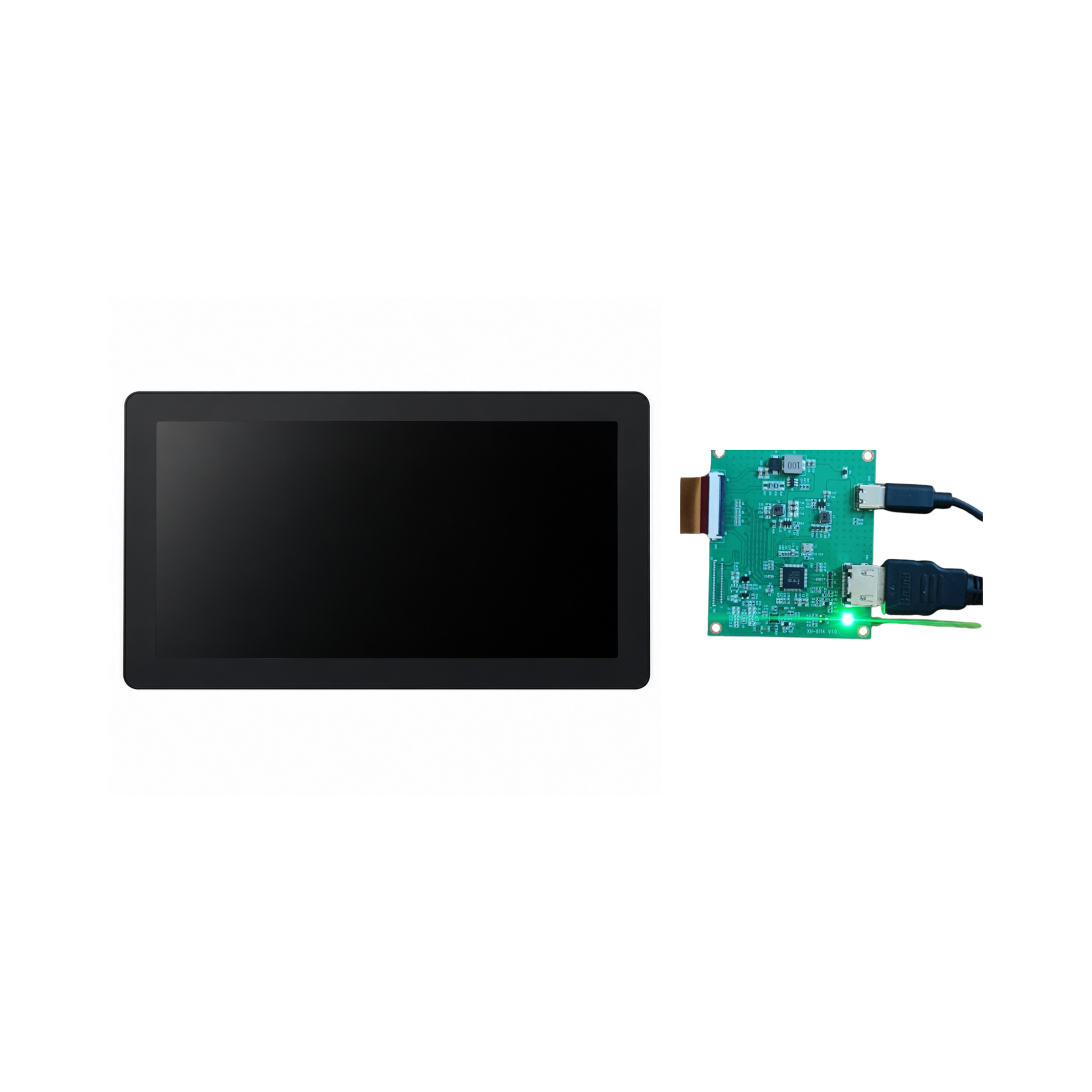
10.1-Inch HDMI Display – 1280 × 800 Resolution
🏢 Request Bulk Pricing for Your Project
For Distributors, System Integrators, OEMs & Project Buyers
✔ Bulk Discounts | ✔ GST Billing | ✔ Fast Dispatch
600 in stock
10.1-Inch HDMI Display with 1280 × 800 resolution, ideal for industrial automation, embedded systems, IoT devices, and digital kiosks.
₹4,500.00
600 in stock
The 10.1-Inch HDMI Display is a high-resolution display designed for industrial automation, embedded systems, IoT devices, and commercial applications. With a 1280 × 800 resolution, HDMI connectivity, and 5V DC power input, it delivers clear visuals for monitoring, dashboards, and user interfaces.
It is suitable for integration with compatible computers, embedded boards, and development platforms, making it a practical choice for OEMs and system integrators.
Key Features
- 10.1-Inch Screen: Suitable for dashboards, monitoring, and visual interfaces.
- 1280 × 800 Resolution: Provides clear text, graphics, and images.
- HDMI Connectivity: Supports compatible HDMI-enabled devices.
- 5V DC, 2A Power: Operates with a compatible power supply.
- Embedded System Compatibility: Integrates with supported computers and development boards.
- Industrial Applications: Designed for control systems, monitoring equipment, and commercial devices.
- Compact Design: Suitable for customized equipment and display solutions.
Technical Specifications
| Specification | Details |
|---|---|
| Display Size | 10.1 Inches |
| Resolution | 1280 × 800 Pixels |
| Interface | HDMI |
| Operating Voltage | 5V DC |
| Power Requirement | 2A |
| Compatibility | HDMI-enabled devices |
| Product Category | Industrial and Embedded Display |
Applications
- Industrial automation and control panels
- Human-Machine Interfaces (HMI)
- IoT monitoring dashboards
- Embedded computing systems
- Digital kiosks and information terminals
- Smart machines and equipment
- Manufacturing monitoring systems
- Testing and diagnostic equipment
- Commercial display applications
Product Overview
The 10.1-Inch HDMI Display offers clear visual output, convenient connectivity, and compatibility with supported computing platforms. It is suitable for industrial equipment manufacturers, developers, and system integrators looking for a reliable display solution for embedded and commercial applications.
Note: Verify the connected device’s HDMI output, supported resolution, and power requirements before installation. Touch functionality, if required, must be confirmed separately.
Applications
- Industrial automation and control panels
- Human-Machine Interfaces (HMI)
- IoT monitoring dashboards
- Embedded computing systems
- Digital kiosks and information terminals
- Smart machines and equipment
- Manufacturing monitoring systems
- Testing and diagnostic equipment
- Commercial display applications
Technical Specifications
| Specification | Details |
|---|---|
| Display Size | 10.1 Inches |
| Resolution | 1280 × 800 Pixels |
| Interface | HDMI |
| Operating Voltage | 5V DC |
| Power Requirement | 2A |
| Compatibility | HDMI-enabled devices |
| Product Category | Industrial and Embedded Display |